
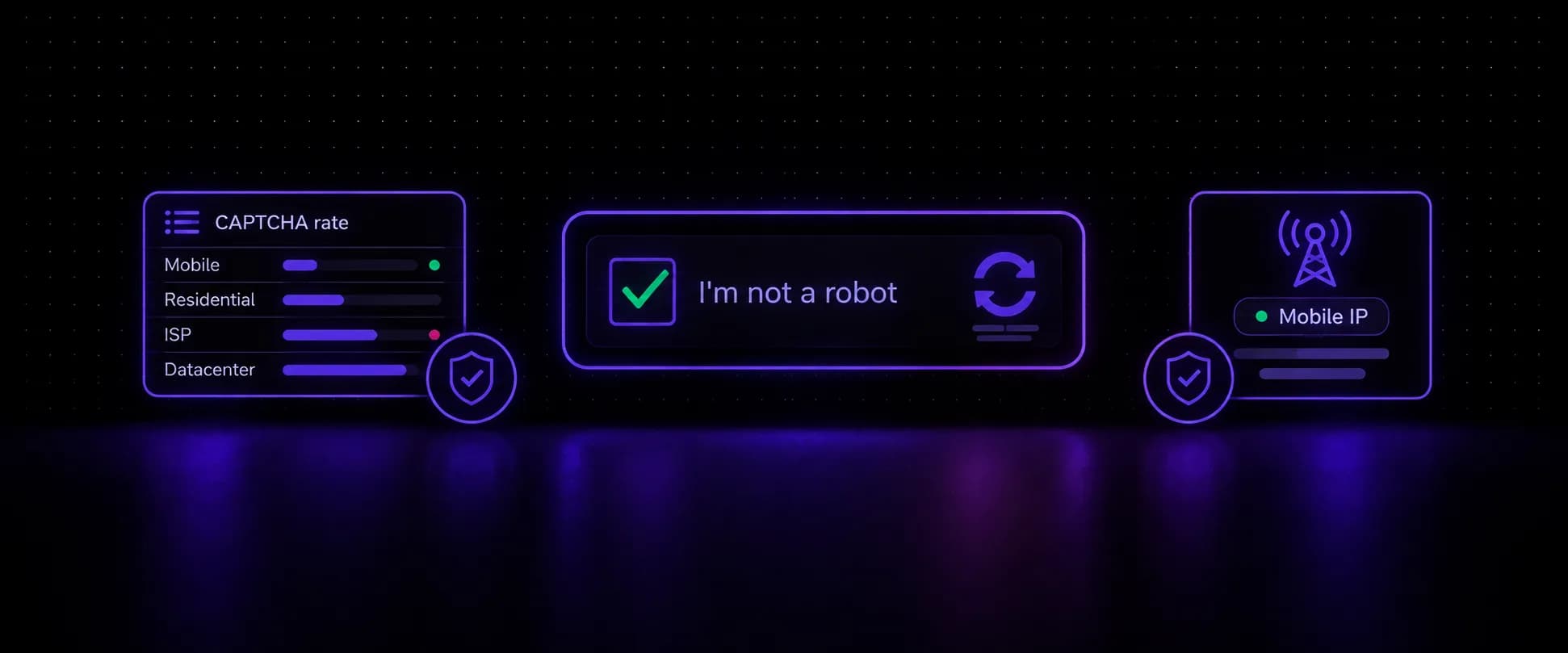
The best proxies for CAPTCHA are mobile proxies. Carrier 4G/5G IPs sit behind CGNAT, shared by many real phone users at once, so a site that challenges or blocks one of them hits its own customers too. That makes mobile IPs the proxy type that triggers the fewest reputation-based CAPTCHAs. They don't make CAPTCHAs disappear: browser fingerprints, behavior and per-IP rate limits still count. This guide ranks the proxy types, shows what each CAPTCHA system actually scores, and gives you a way to measure your own challenge rate before you scale.
Key takeaways
- Mobile proxies trigger the fewest CAPTCHAs because carrier IPs are shared by real users, so reputation-based blocking costs sites real traffic.
- Datacenter IPs trigger the most, since a hosting provider's ASN is the first thing bot defenses score. Residential and ISP IPs sit in between.
- Even the best proxy won't stop every CAPTCHA: reCAPTCHA v3, hCaptcha and Cloudflare also read the browser and behavior, and shared mobile IPs still hit per-IP rate limits.
- Avoid first, solve second: a clean carrier IP, a sticky session per flow and human pacing cut challenges, and a solver handles what's left.
- Measure your challenge rate on a small batch before scaling, and compare proxy types on the same target.
Why Sites Show You a CAPTCHA
A CAPTCHA is the cheap response a site uses when a request looks risky but not risky enough to block outright, and more sites are scoring automation in 2026: DataDome logged 17.7 billion AI agent requests in Q2 2026, up 45% on the quarter, and 54% of its customers have adopted agent trust policies. Bot defenses score each visit on a handful of signals, and the IP is only the first of them:
- IP reputation and type. Is the address a known hosting provider, a proxy pool with a history, or a consumer ISP or carrier?
- Request rate. How many requests the IP, the session and the account make per minute.
- Browser fingerprint. Whether the browser's user agent, TLS handshake, fonts and rendering describe one consistent device.
- Behavior. Mouse movement, scrolling, time on page, and the order pages are visited in.
- Session history. Cookies and earlier challenges passed or failed on this session.
Proxies change the first signal and part of the second. Everything else is up to your browser and how you use it, which is why "no CAPTCHA proxies" don't exist. What exists are proxies that start each session with a better score.
Best Proxies for CAPTCHA, Ranked by Proxy Type
For CAPTCHAs, proxy type decides more than provider. These rankings are relative, based on how each IP type is scored, not a measured benchmark:
| Factor | Mobile (4G/5G) | ISP | Residential | Datacenter |
|---|---|---|---|---|
| CAPTCHA frequency | Lowest | Medium | Medium | Highest |
| Why | Carrier IPs behind CGNAT, shared with real phone users | Consumer ISP ASN, but one fixed IP builds a visible history | Home ISP IPs, but pool reputation varies with other users | Hosting provider ASN, flagged first |
| Best for | Signups, logins, checkouts, CAPTCHA-heavy scraping | Long-lived accounts that need one fixed IP | Broad scraping across many sites | Unprotected targets only |
ISP proxies still win one case: when a target allowlists a single fixed address or an account must keep the same IP for months, a mobile IP can't be that. For the full trade-offs between the two consumer IP types, see our comparison of mobile proxies vs residential proxies.
When you compare CAPTCHA proxies from different providers, look for:
- carrier ASNs you can verify on the exit IP with an IP checker, not just a "mobile" label
- sticky sessions with an explicit duration, plus per-request rotation as an option
- country and city targeting that matches the site's audience
- HTTP and SOCKS5 support for the tools you already run
- a dedicated option for accounts that need one IP to themselves
Why Mobile Proxies Trigger Fewer CAPTCHAs
Carriers put many subscribers behind each public IP using carrier-grade NAT. One address can carry traffic from many real phones at once, so blocking it or forcing a CAPTCHA on it punishes real users along with any bot. Sites that score IP reputation have a strong reason to go easy on carrier IPs.
“Shared addressing and CGNAT make one IP represent many users.”
That line comes from GeeTest, a CAPTCHA vendor, in its June 2026 guide for fraud teams on mobile proxies. Its advice to defenders shows how carrier IPs get treated: a strict block on one sweeps in the legitimate users who share it, so GeeTest recommends judging sessions on device, behavior and account signals, sending uncertain sessions to step-up verification, and blocking only high-confidence abuse. On a carrier IP, the IP alone rarely decides the outcome. Your browser and behavior do.
Two practical lessons follow. Reputation-based CAPTCHAs, the ones driven by what an IP has done before, are where mobile IPs help most. Per-IP rate limits work the other way: a carrier IP's request budget is shared with the real users behind it, so hammering one sticky mobile IP still trips limits. Pace requests per IP, even on a mobile proxy.
Can Mobile Proxies Stop CAPTCHAs? Where No Proxy Helps
Mobile proxies cut CAPTCHAs; they don't stop them. Three cases stay out of any proxy's reach:
Fingerprint mismatches. A headless browser with an inconsistent user agent, missing fonts or a TLS handshake that doesn't match its claimed version gets challenged on any IP. Some systems also read the TCP/IP stack, which can expose a Linux server under a browser claiming Windows.
Behavior. Instant form fills, no scrolling and perfectly regular timing score as automation regardless of the network.
Score-based CAPTCHAs. Google's reCAPTCHA v3 documentation describes a score from 0.0 to 1.0, where 1.0 is very likely a good interaction, based on interactions with the site, with 0.5 as the suggested default threshold (as of November 2026). v3 never shows a challenge; it just hands the site a score. Clean IPs lift that score, but a low one usually comes from the browser and behavior side. Our explainer on the reCAPTCHA v3 score covers why scores drop.
So are mobile proxies undetectable? Not as proxies, and neither is any other type. Sites can sometimes tell traffic arrives through a proxy from timing, headers or fingerprint gaps. What a carrier IP changes is the cost of acting on that suspicion: blocking a shared mobile IP blocks real customers, so sites lean on softer checks.
CAPTCHA Proxies by CAPTCHA Type
Each CAPTCHA system weighs the IP differently, so what a proxy can change depends on which one you face:
| CAPTCHA | How it decides | What a mobile proxy changes | What else you need |
|---|---|---|---|
| reCAPTCHA v2 | Risk analysis, then a checkbox or image grids | Lower risk, so fewer image rounds | A real browser with stored cookies |
| reCAPTCHA v3 | Invisible 0.0-1.0 score; the site picks the threshold | IP reputation is widely reported to feed the score | Consistent fingerprint, human pacing |
| hCaptcha | Risk-based; image challenges when risk is high | Fewer challenges on clean IPs | Stable fingerprint; a solver for leftovers |
| Cloudflare Turnstile and challenges | Browser checks, mostly non-interactive | Better reputation; sticky IPs help keep clearance | Don't rotate mid-session |
| Text or image CAPTCHA (e.g. Amazon) | Rate and automation patterns | Spreads load across carrier IPs | Slower pacing, real browser sessions |
Rotation can raise your CAPTCHA rate
Switching IPs inside one session looks like a stolen cookie or a shared account. Keep one IP for a whole login, search or checkout flow, then rotate between flows.
How to Bypass CAPTCHA: Avoid First, Solve Second
How to bypass a CAPTCHA reliably comes down to order: prevent as many as possible, then solve the rest. Three methods, from first line to fallback:
Method 1: Prevent challenges. The proxy matters at the start of the session, not after the first challenge. Pick a carrier IP in the site's country, hold it with a sticky session for the whole flow, run a real browser with a consistent fingerprint, and pace requests the way a person would. Most of the gain comes here.
Method 2: Keep the session you earned. A passed challenge often leaves a clearance cookie or a trusted session. Store cookies, reuse them on the same IP, and don't rotate until the flow is done. Rotating throws away the trust you just paid for.
Method 3: Solve what's left. Some CAPTCHAs appear no matter what, so a solver handles the remainder. Send the solver the same proxy the browser uses where it supports that, since a token solved from a different IP can fail. Our roundup of the best CAPTCHA solvers compares the services.
No setup lets you skip CAPTCHA on every page. The aim is a challenge rate low enough that solving the rest is cheap.
Setting Up Mobile Proxies for CAPTCHA-Heavy Sites
How you configure a mobile proxy matters as much as choosing one. With VoidMob mobile proxies, the setup follows the flow you're running:
- Logins, signups and checkouts: a proxy list with sticky or timed rotation, so the whole flow runs on one carrier IP. Over the API, flex mode does the same from the username: once you have flex credentials from the API, a session ID such as
_s_login1_ttl_10mholds one IP for up to 10 minutes. - Broad scraping across many pages: per-request rotation, so no single IP builds a request history. Our page on mobile proxies for web scraping covers targeting and rotation per job.
- CAPTCHA-heavy accounts you keep: a dedicated mobile device, so no other customer's traffic runs through it, rotated on demand from the dashboard or a private rotation link when it's time for a fresh IP.
- Fingerprint matching: dedicated devices with p0f (every Premium plan, and Standard plans tagged p0f) can present a Windows, macOS, iPhone or Android TCP/IP fingerprint, so the connection's operating system matches the browser's.
Shared plans run HTTP and SOCKS5 on the same host and port, and dedicated devices issue their own ports for both.
Test Your CAPTCHA Rate Before You Scale
Provider claims about "success rates" mean little for your target. Measure it yourself: send the same small batch through each proxy option and count how many responses come back as a block or a visible challenge. Run it only against sites you're allowed to test.
1import random2import time3 4import requests5 6PROXY = "http://<list-username>:<list-password>@proxy.voidmob.com:10000"7URLS = ["https://example.com/page-1", "https://example.com/page-2"] # your target pages8MARKERS = ["g-recaptcha", "h-captcha", "cf-turnstile", "challenges.cloudflare.com", "Just a moment"]9 10challenged = 011for url in URLS:12 r = requests.get(url, proxies={"http": PROXY, "https": PROXY}, timeout=30)13 if r.status_code in (403, 429) or any(m in r.text for m in MARKERS):14 challenged += 115 time.sleep(random.uniform(3, 8)) # same pacing for every proxy type16 17print(f"Challenged: {challenged}/{len(URLS)}")Run it once from your own connection first, then once per proxy type, with the same pages and pacing. Your own connection sets the baseline: pages that always embed a CAPTCHA widget, such as signup and contact forms, match the markers on every request, so pick test pages that don't. Plain HTTP clients also see fewer challenges than a real browser will face, so treat the result as a relative test, then confirm the winner in your actual browser setup. Invisible checks like reCAPTCHA v3 won't show up here at all; judge those by whether your forms and logins go through.
Measure it on your own target
Run the same batch through a carrier IP and compare the challenge count against what you use today.
FAQ
Can mobile proxies bypass or stop CAPTCHAs?
Mobile proxies reduce how often CAPTCHAs appear, because carrier IPs are shared by many real phone users and sites avoid challenging them without strong evidence. They don't remove a CAPTCHA that is already shown, and they can't fix a mismatched browser fingerprint or bot-like behavior. Score-based systems like reCAPTCHA v3 also weigh the browser, and shared mobile IPs still trip per-IP rate limits if you send too many requests through one address. Pair them with a real browser, sticky sessions per flow and a solver for the challenges that remain.
Are mobile proxies undetectable?
No proxy is undetectable. Sites can sometimes infer proxy use from timing, headers or fingerprint gaps. What makes mobile proxies effective is that their IPs belong to carriers and are shared with real users, so acting on that suspicion with a block or a CAPTCHA costs the site real customers.
What are CAPTCHA proxies?
CAPTCHA proxies are proxies chosen to trigger fewer CAPTCHAs, usually mobile or residential IPs with a good reputation and session control. They don't solve CAPTCHAs themselves. They lower how often challenges appear, and a separate solver handles the ones that still show up.
What are the best proxies for reCAPTCHA v3?
Mobile proxies with sticky sessions are the safest fit for reCAPTCHA v3. Google doesn't publish what feeds the score, but IP reputation is widely reported to count, and a stable carrier IP avoids the churn that comes with rotating mid-session. The score is based on interactions with the site, so a consistent browser fingerprint and human pacing matter as much as the IP.
How do I bypass Amazon CAPTCHA?
Amazon shows a character CAPTCHA when traffic looks automated, usually from datacenter IPs, high request rates or sessions without cookies. Use mobile proxies in the right country, keep one IP per browsing session, slow the request rate and use a real browser that keeps cookies. Follow Amazon's terms for what you collect.
Do rotating proxies cause more CAPTCHAs?
They can. Switching IPs inside one session looks like a stolen cookie or a shared account, and every new IP arrives with no history. Rotate between flows, not inside one: keep a single IP for a whole login, search or checkout, then move to a fresh one.
Why does Google keep showing me a CAPTCHA?
Google shows its unusual-traffic check when requests from your network look automated: a burst of searches, a shared or datacenter IP, or a browser that looks scripted. Slowing down, keeping cookies and holding one IP per session lowers the odds. A carrier IP shared with real phone users is challenged less often, but not never.
CAPTCHAs are a pricing decision on the site's side: challenge the visitors who look expensive to trust, wave through the rest. A carrier IP, one session per flow and a browser that tells a consistent story move you into the second group most of the time, and a solver covers the remainder.